Features
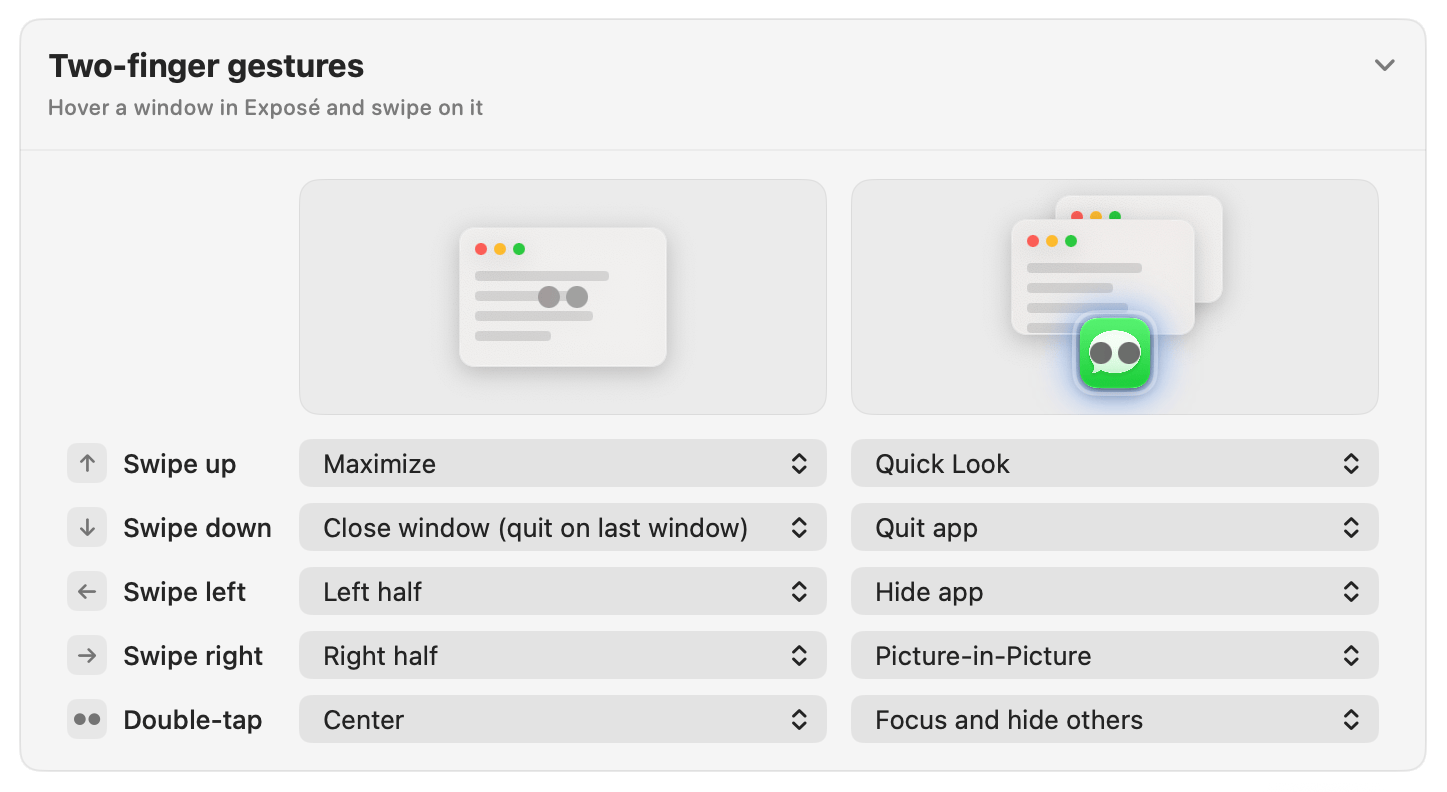
- Two-finger gestures in Exposé can be configured, on windows and on app icons
- Double-tap two-fingers gesture to center the hovered window, or to focus an app and hide the others from its icon
- Quick Look in Exposé with
Spaceon the hovered window or a gesture, for a live and larger view of a window - Picture-in-Picture in Exposé with
⌘Pon the hovered window, or a swipe right on an app icon (needs Pipiri)
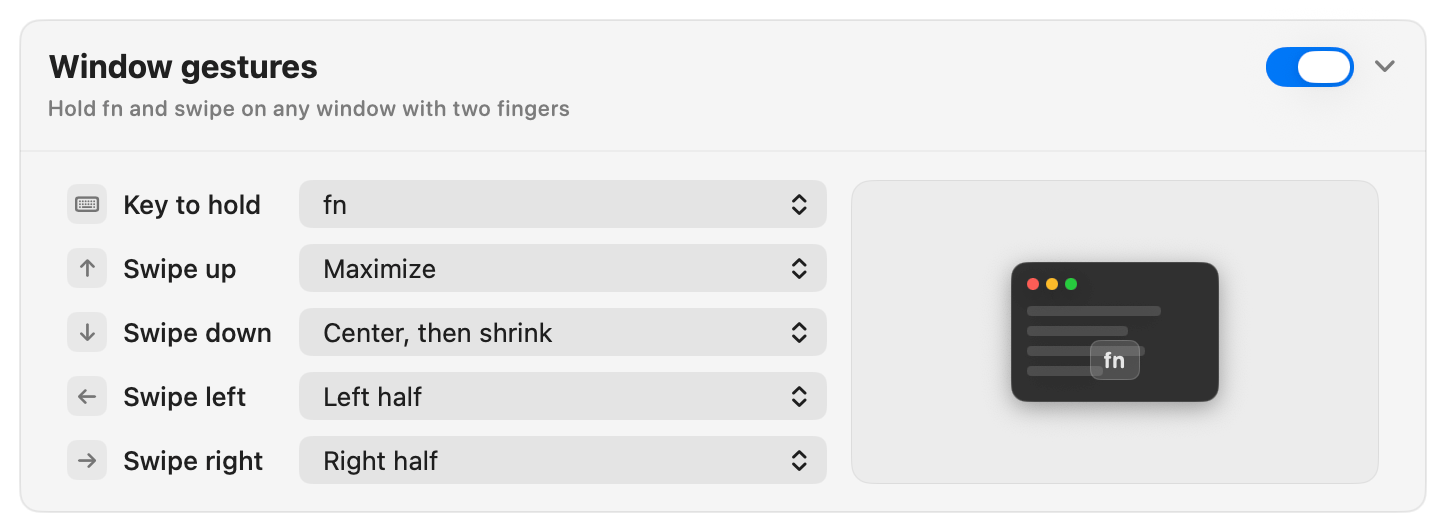
- Window gestures: hold
fnand swipe with two fingers on any window for halves, maximize, or center then shrinkPick the key and the actions in Settings > Exposé, under Window gestures
- New Grid layout in Exposé
Pick Grid at the bottom of Exposé, or press
,to cycle to it
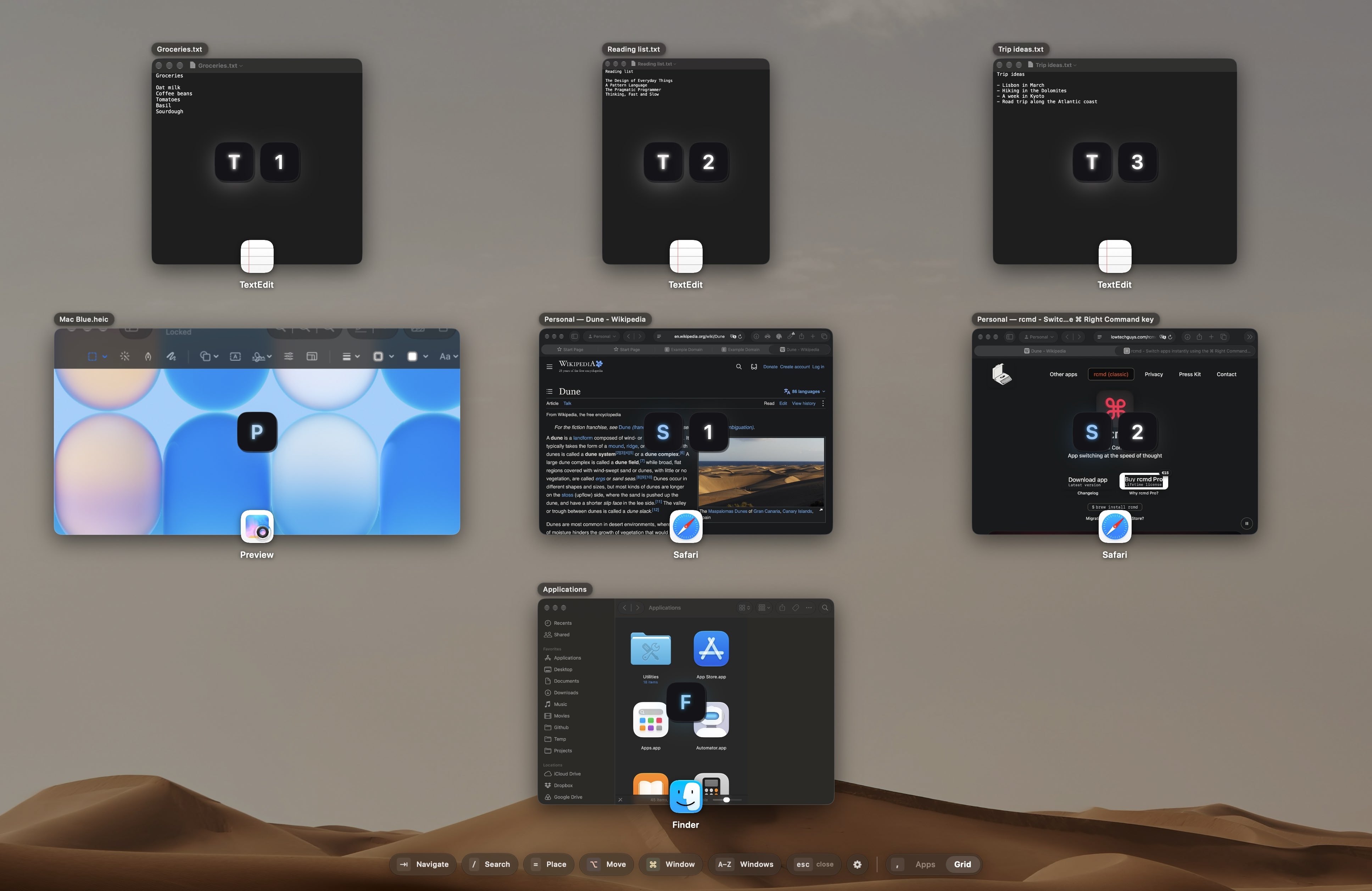
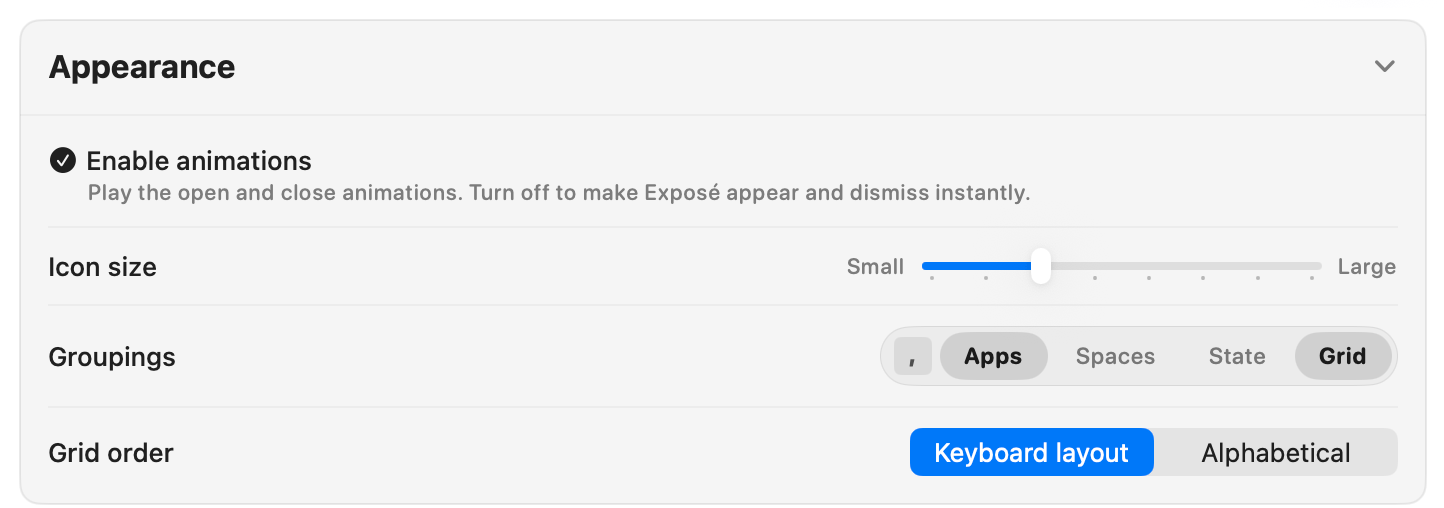
- Icon size setting for the app icons in Exposé
- Hidden apps as icons at the end of Exposé's bottom
bar, when Exposé doesn't show their windows
Swipe up on an icon to unhide the app, or swipe down to quit it

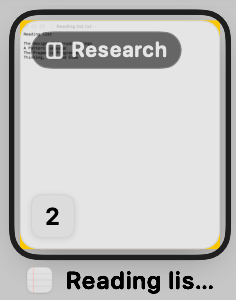
- Space names: click a Space's name in Exposé to rename it, or name it in Settings > Spaces

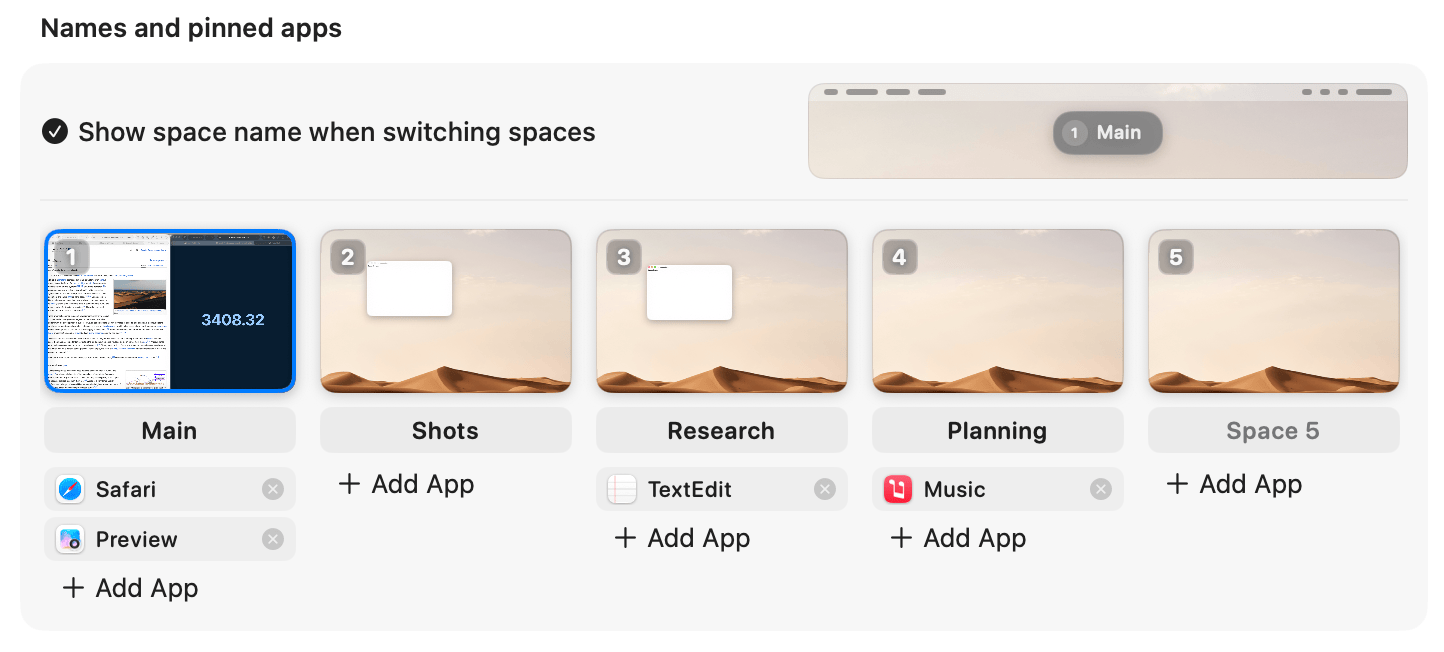
- Space name HUD after switching Spaces
Turn it on in Settings > Spaces, under Names and pinned apps

- Pin apps to specific Spaces: add apps under a Space in Settings > Spaces and their new windows open there
- Instant swipe between Spaces on the trackpad,
without the slide animation
Turn it on in Settings > Spaces, under Instant space switching
Hold
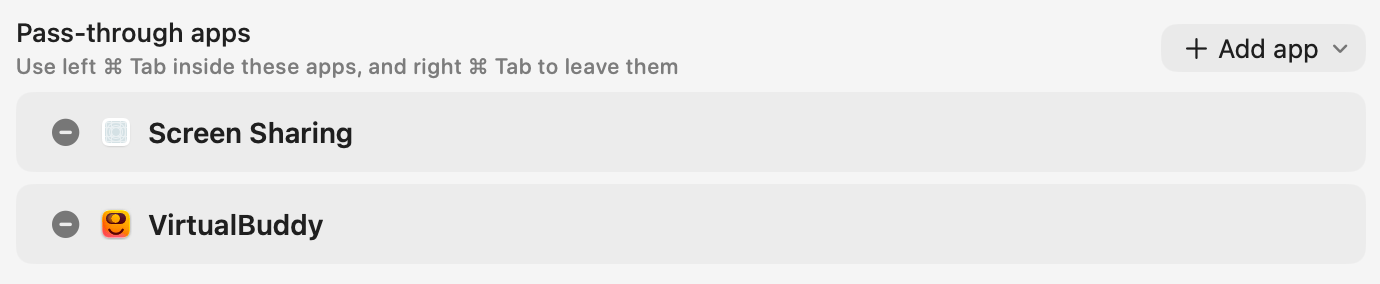
⌥ Optionwhile swiping to move the focused window along, or swipe up and down to move it to another display - Pass-through apps for virtual machines and remote desktops: left ⌘ Tab works inside them, right ⌘ Tab leaves them