Features
New window switcher: window thumbnails along the top, with results from every lens in a table under them
Hold
Right Option, or double tap and holdRight Command, to open itF1: lenses under the window stripF2: windows in a gridF3: all windowsF4: stagesF5: recently closed windowsSpace: preview the highlighted window at full size
Window content search: the window switcher and Exposé also find windows by the text on them
Favorites: press
=on any window switcher row to keep it at the top of the switcherSaved windows move over to favorites on their own
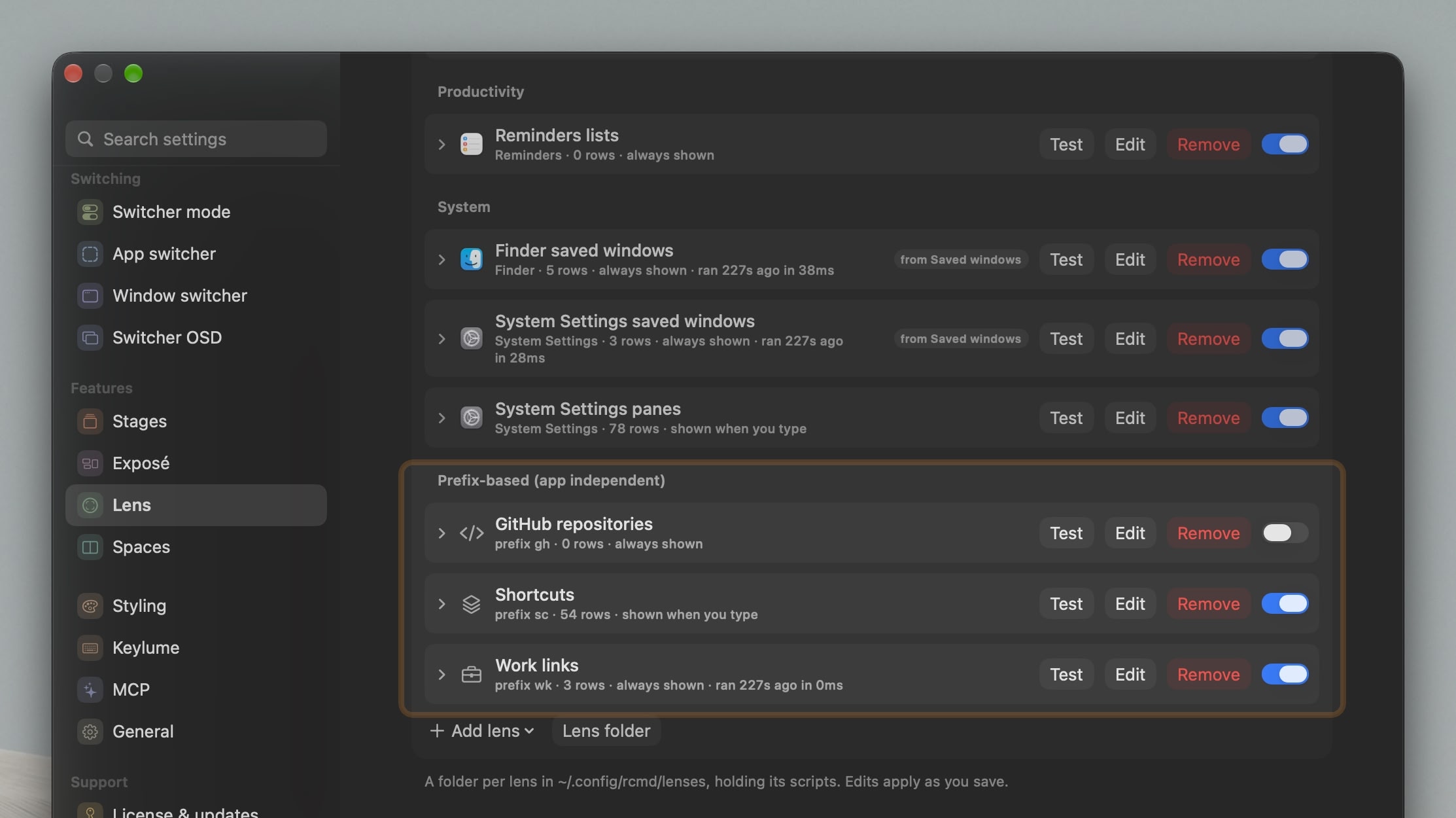
Prefix lenses search lists that don't depend on an app, like downloads, repos or project folders. They appear when you type their prefix, and allow you to open a link, a folder or a command on release
Presets for Downloads (
dl), GitHub repos (gh), code projects (pj), Mac commands (mac) and System Settings panes (ss)Have an agent write one with
rcmd lens promptor through the MCP, or list the rows straight in the lens'slens.yaml
Stages without a trigger:
F4shows them as maps on the window switcher,Returnrestores one and=saves the current windowsMacs with saved stages keep their stages key
Save Stage draws the windows on a map, where they drag and snap into place
Terminal items can open running a command
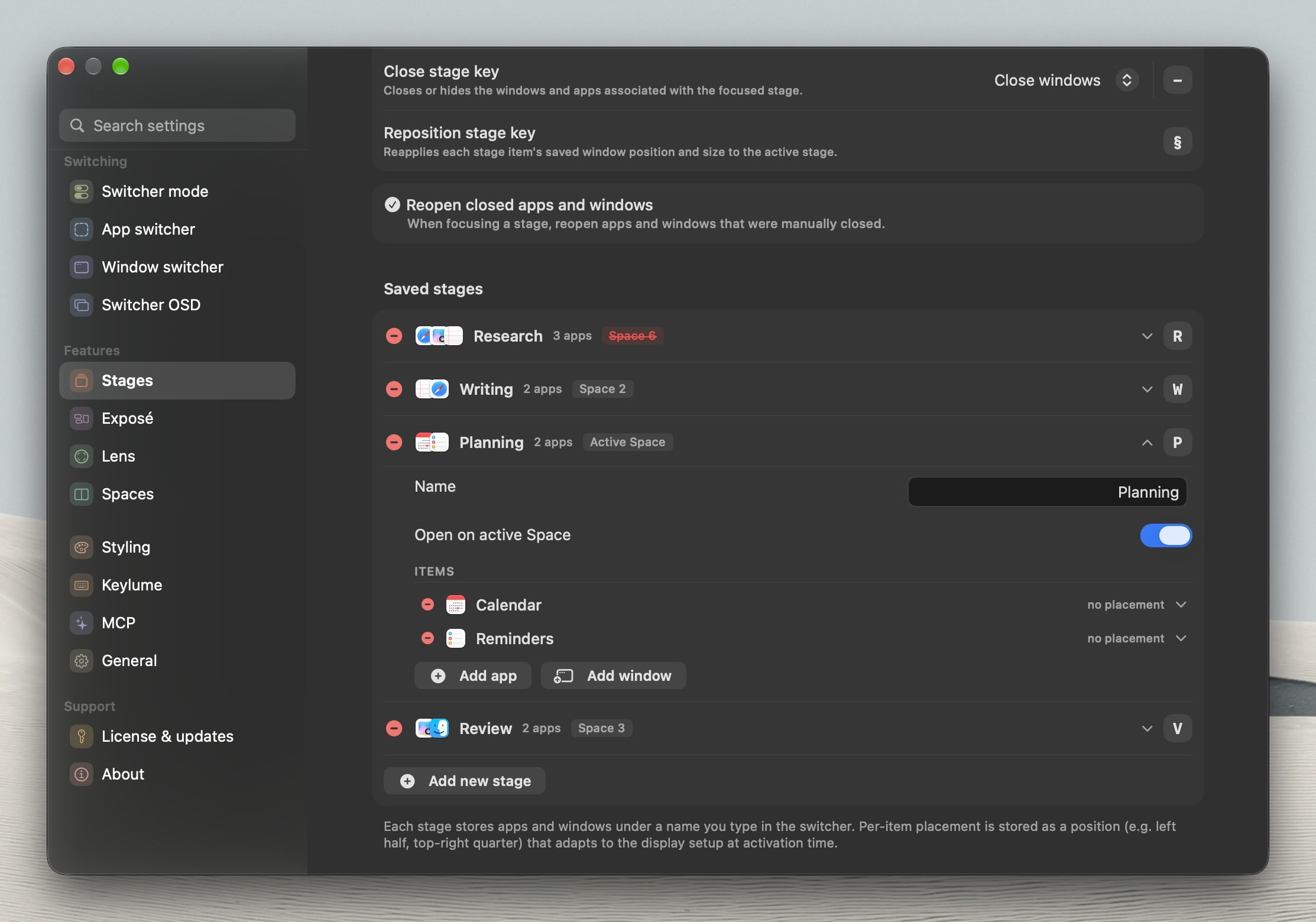
Open on active Space stage option brings a stage's windows to the Space you're on, from any display, instead of switching to the stage's Space
Turn it on per stage in Settings -> Stages, in multi-space mode
Picture in Picture:
⌘Pon a window in the switcher floats it in a Pipiri PiPReopen closed windows:
⌘Zin Exposé and the window switcher brings back the window closed lastAdaptive When already focused action: hides an app with one window, cycles through the windows of an app with more
Redesigned Settings with visual pickers and a live Styling preview