Features
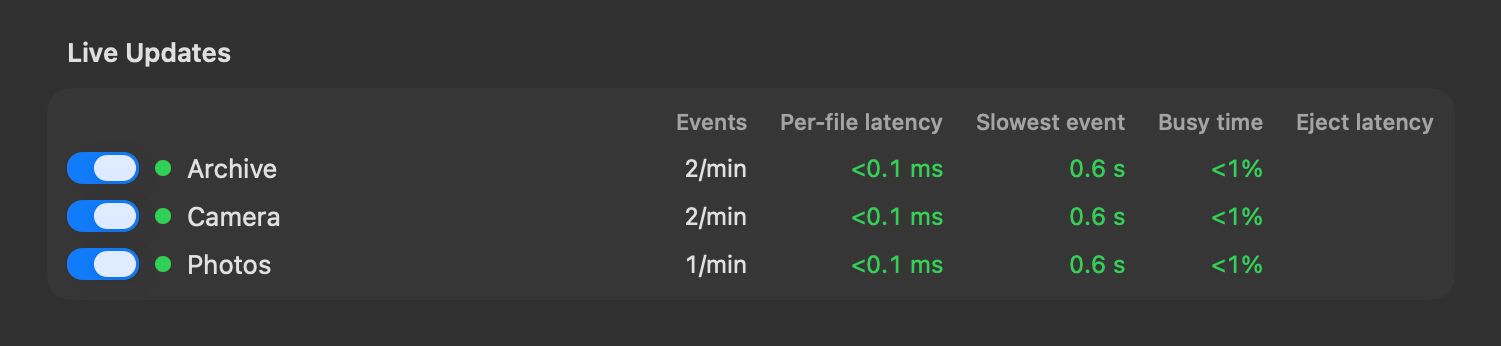
- Live updates on external drives: files added,
renamed or deleted on a connected drive show up in search within
seconds, instead of at its next reindex. You can see how each drive
keeps up, and turn its live updates off, in Settings > Drives &
Volumes
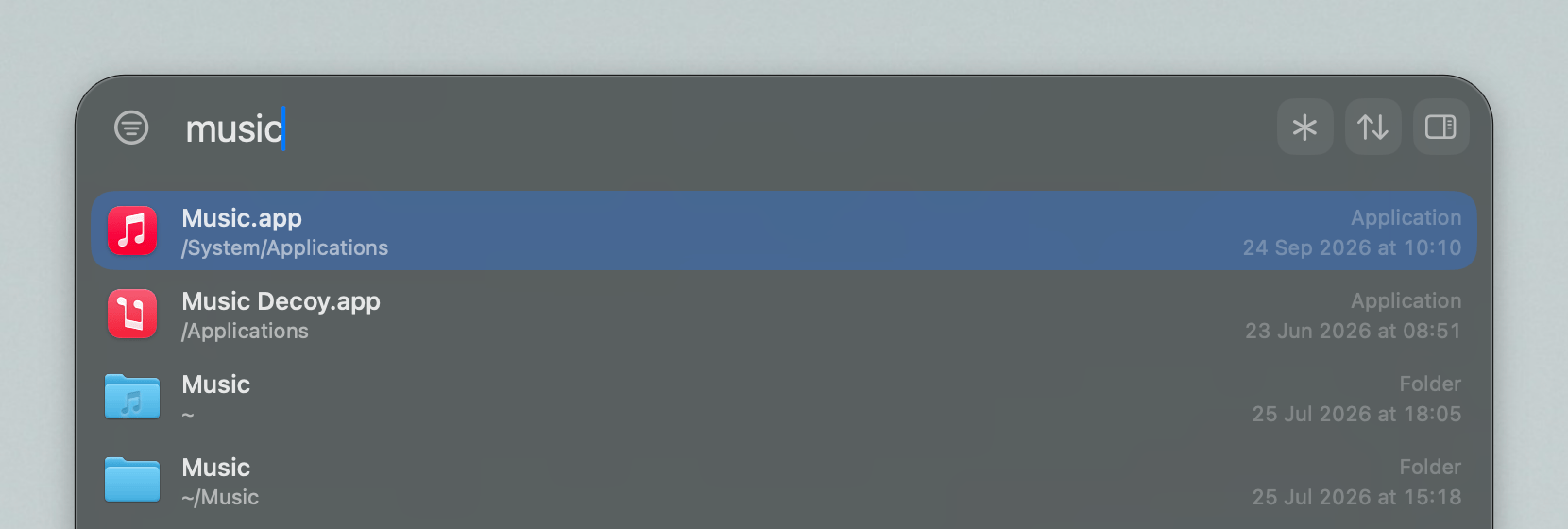
- App launcher: the search bar prioritizes apps if
the query seems to hint at that
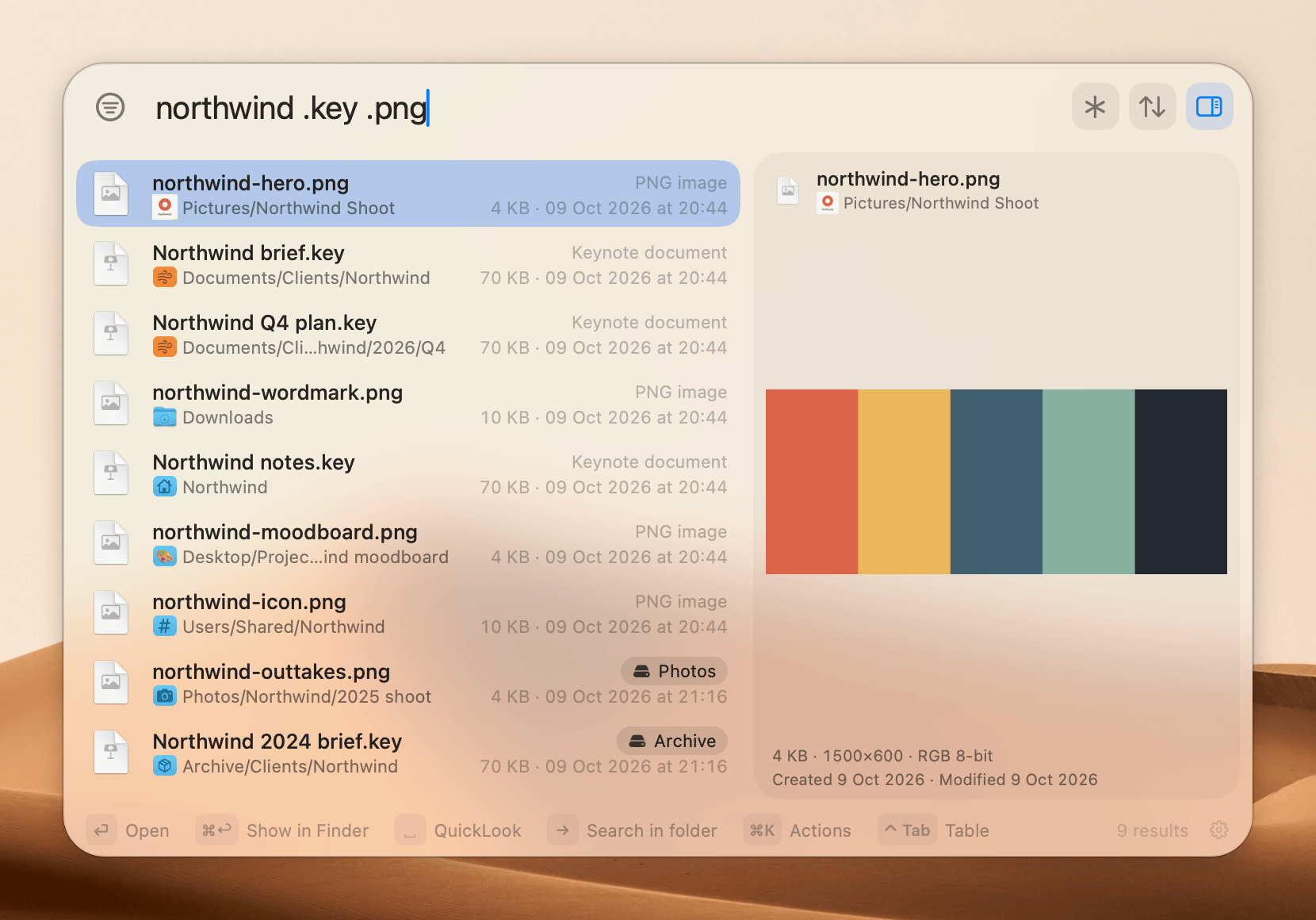
- Folder icons: paths in the search bar show the
folder icon, which you can turn off in Settings > Style. You can pick
an icon for each drive in Settings > Drives & Volumes
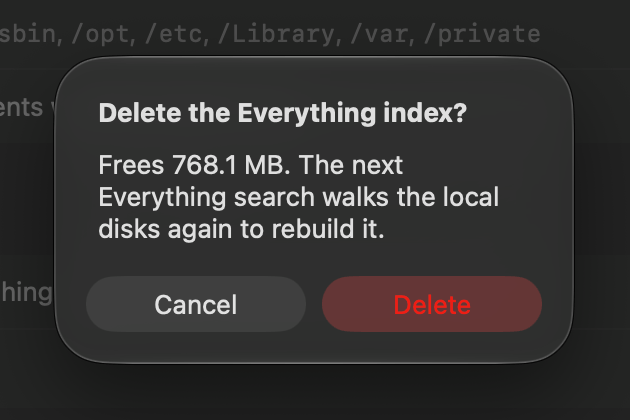
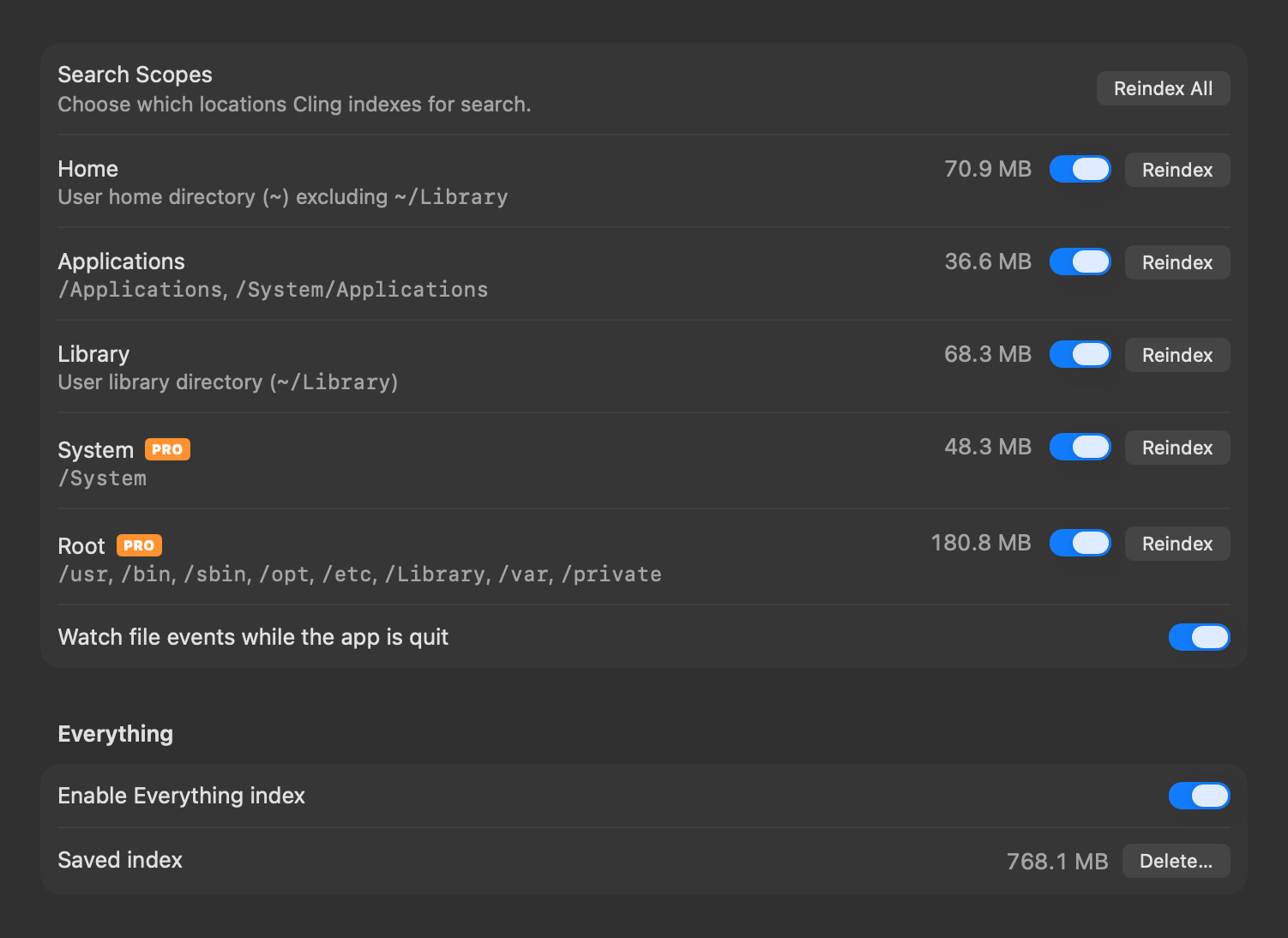
- Option to turn off the Everything index: hides its
asterisk and shortcut everywhere, and can delete its saved index to free
the space. You can turn it off in Settings > Search
- Index sizes: size on disk for each scope, drive and
Everything index
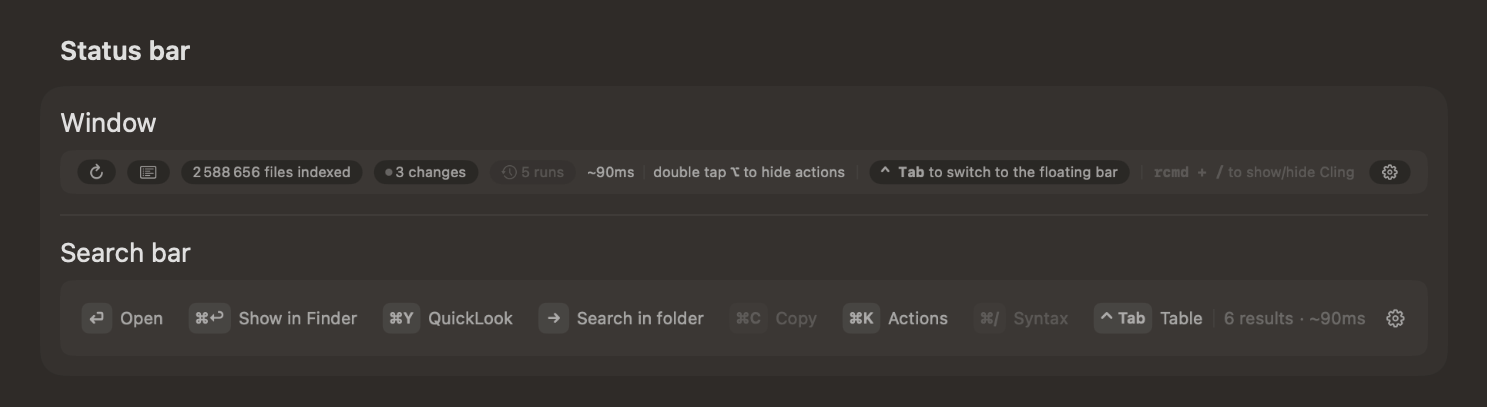
- Status bar editor: pick what the status bar shows
in the window and the search bar, in Settings > Style
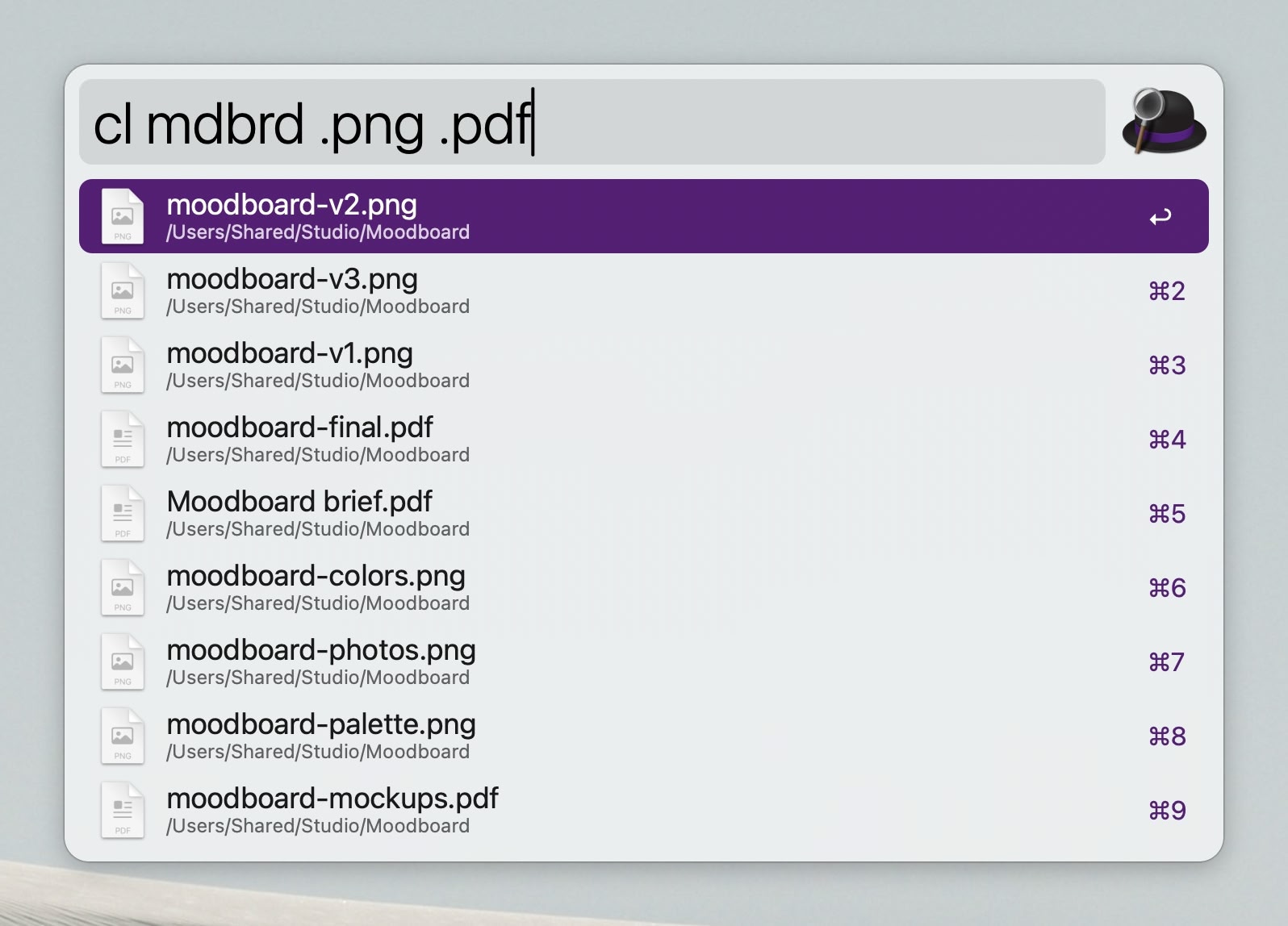
- Alfred workflow: search Cling from Alfred with
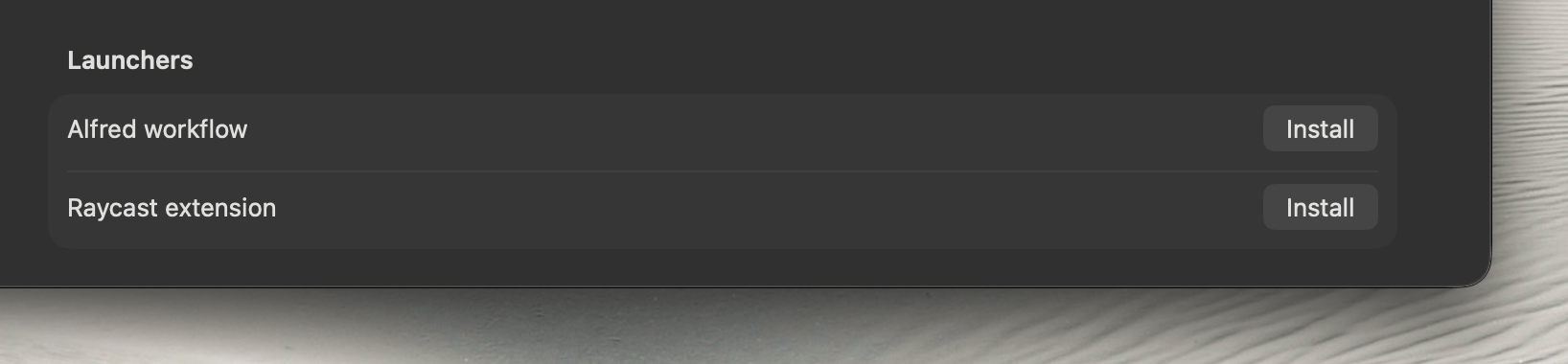
cl and reindex with clreindex. You can install
it, and the Raycast extension, in Settings > General
Fixes
- Fixed a possible crash when dragging the results table's header past
the last column
- Fixed a possible crash when previewing code
- Fixed a possible crash when applying a quick filter while Cling is
indexing
- Fixed a possible crash while saving the index of a very large
drive
- Fixed a possible freeze at launch when a drive is slow to
answer
Improvements
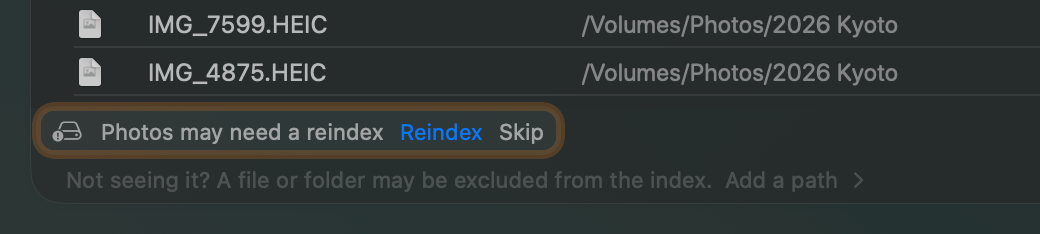
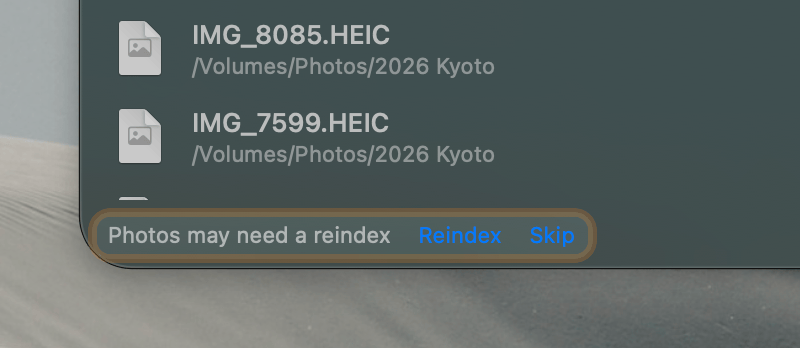
- Searching a drive that was unplugged without ejecting, offers to
reindex it, in case its index missed the last changes
- Status bar shows how long the last search took
- More files that change constantly and nobody searches for stay out
of the index: database side files, apps' logs, web view data and the
system's logs
- Periodic reindexing waits for the drive to settle, so it doesn't
slow down I/O workload
- CLI stuff:
cling open,
cling everything on|off|delete,
cling volume follow|unfollow|skip-reindex and
cling search --search-bar